WinForms Chart Control, V4.3
A smart .NET dashboard control with highly customizable charts and gauges.
A Universal Charting Solution
MindFusion WinForms chart control is so much more than just another WinForms chart
control. This component truly has the ability to change and adapt to your application's
needs in a matter of hours. Whether you need a 2D chart, 3D graphic, a sophisticated
gauge or a precise financial chart - it's all included, right at your fingertips.
Flexible Data Model
MindFusion WinForms chart component reads data through a universal Series interface.
This innovative approach allows the control to use literally any type of data source.
You can create a custom class, which encapsulates the data you want in your particular
case and assign it to the chart control. It will work fine as long as you implement
the Series interface, which is a simple task. Another advantage of implementing
the interface is that values are not copied into the chart's built-in data storage
and performance is not affected by their data type and count. MindFusion provides
several out-of-the-box Series implementations for all popular data formats - XML,
database tables, DateTime values and numeric arrays.
Tutorial: How to Build a Pie Chart with Custom Labels
A Variety of Export Formats
If you want to export the ready graphics a set of the most important output formats
is available for you to choose from. You can create a PDF document or an SVG file,
print the chart with the option of print preview or export it as a bitmap image.
Each of these options will persist the graphic without any loss of quality or detail
with a single method call.
When Style Matters
The WinForms dashboard control is designed to impress with polished looks as much
as with a versatile feature set. The component's API exposes pen, brush and font
options for each part of the chart. All your appearance modification can be saved
in a theme and re-used at your convenience. For a quick chart revamp you can apply
one of the predefined chart themes - they are all based on harmonious colour palettes
provided by professional decor designers.
List with the most important features of the control
Dashboards for Every Taste and Every Need
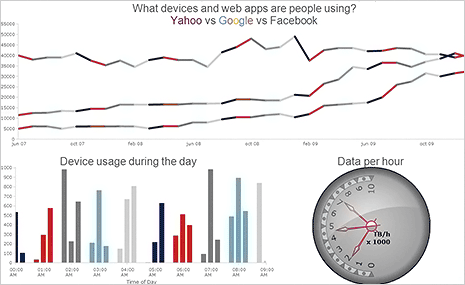
The dashboard control arranges unlimited number of chart plots and gauges. The order
of arrangement is decided by you - the component's dynamic layout system allows
any control positioning as long as you find it appealing. Each plot can display
multiple axes and charts of different type. Legends can vary in size and count and
you can place them wherever you find suitable. Finally, you can use the additional
WinForms text, border and image controls to bring clarity and decoration to your
dashboard. With such a powerful set of features you will definitely love the end
result!
More Chart Types Than You'll Ever Need
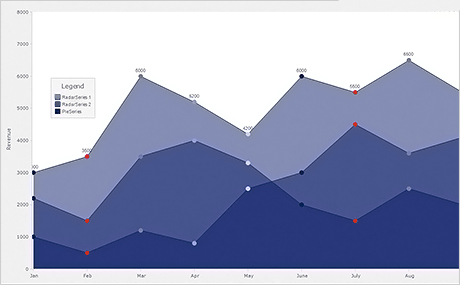
Each chart type represented in the control supports unlimited number of series and
a long list of customization options. Line charts can be drawn as steps, curves
or straight lines. Scatters can be added at data points or you can have just a scatter
chart. Bars can be organized in groups, stacks or clusters. The count of axis series
is unlimited. Each axis provides its own set of appearance settings, which lets
you give it a unique look. The control supports different label types for each chart
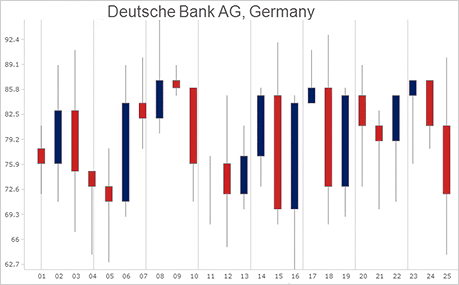
type with multiple label options and settings. For business applications there are
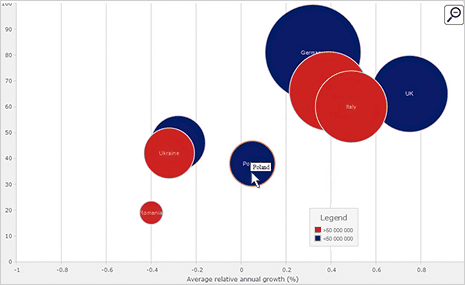
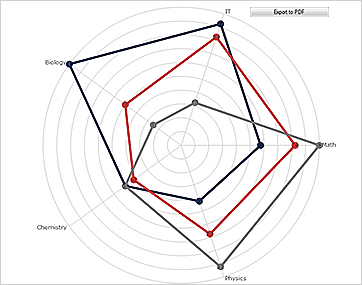
the candlestick charts. Bubble, radar and polar charts are also among the options.
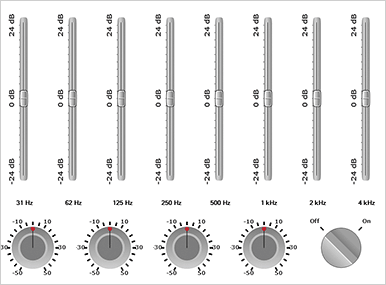
The gauge controls provide a lean interface to design any oval or polygonal gauge
with a comprehensive set of gauges already defined with the sample projects included
in the control.
A list with chart samples and links to download each one in C# or VB.NET
Highly Interactive and Responsive
The WinForms chart control handles with ease panning and zoom even in charts with
large data series. Pie and radar charts can be rotated just by dragging them with
the mouse. Legends can also be dragged and positioned dynamically at the best location
on the current chart. Hit testing is supported for all chart elements and you can
quickly identify the active element and modify it as you wish.
Install Gauges for WinForms from NuGet